From alarm to action: video analytics and remote guarding at the perimeter
Picture this: at two in the morning an alarm comes in from the rear fence line of a logistics site. On the live view a lorry stands on the service road, and two people are moving near it. The dispatcher first has to work out which movement triggered the alarm. Then comes the harder question: what does what they see actually justify?
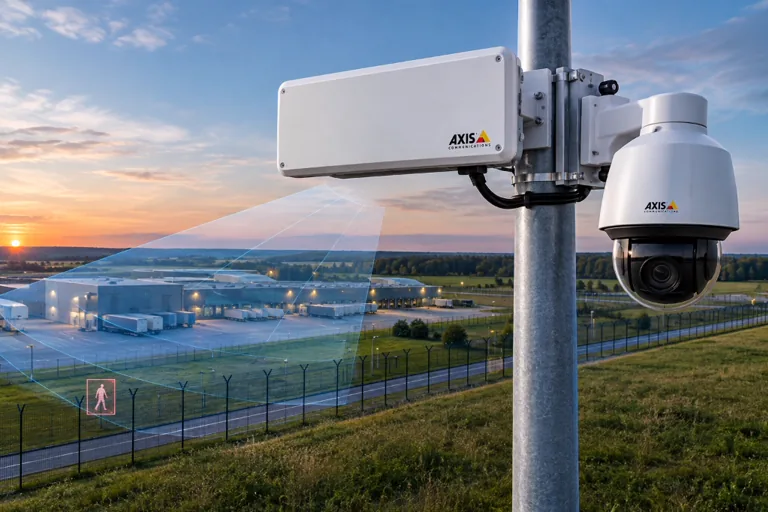
The expanded integration between PureTech Systems and Genetec helps with the first question by highlighting the detected object on the live camera view. A Security Info Watch article on remote guarding supplies the background to the second: the value of video monitoring lies in the operator checking the event, assessing the situation and then acting under the site procedure. That takes a suitable camera view, knowledge of the site and unambiguous instructions. Security Today · Security Info Watch
What does the box on the live view show?
According to Security Today’s report of 6 November, which is based on PureTech Systems’ announcement, the PureActiv video analytics platform passes the alarm description, the associated camera details and the data needed to draw the overlay to Genetec Security Center. The integration supports Security Center version 5.13.2.0. On live video, rectangular outlines mark the objects PureActiv has detected and classified, and the operator can handle the alarm with the platform’s existing alarm-management tools, in the same place as every other alarm. Security Today – details of the PureActiv–Genetec integration
A general zone alarm draws attention to the affected stretch of fence. A box drawn on the image gives a more precise reference: if several people are moving beside a parked lorry, the marking helps show whose movement triggered the alarm at the fence.
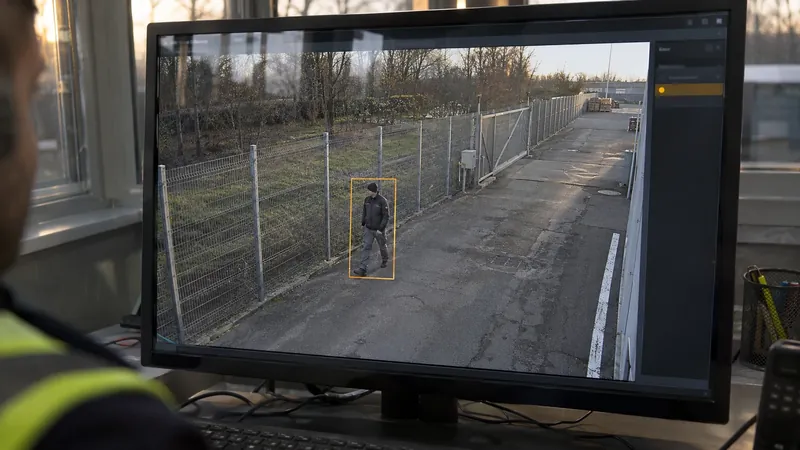
To judge whether the marked person is entitled to be there, the dispatcher also needs to know how the site works. The same movement can mean something different during pre-arranged night maintenance than in a closed operational area. If the person has meanwhile left the field of view, the recording linked to the event, where available, can help clarify what happened at the moment of the alarm.
In the Security Info Watch article, Tim Pearman, head of Worldview Monitoring, describes how operators come to know a site’s regulars over time, such as the cleaning crew that lets itself in at ten. That familiarity is what tells them at a glance when the figure on the screen does not belong there. Security Info Watch
One alarm, several possible actions
Suppose the alarm comes from beside the rear service gate. One camera shows the area around the gate, another the road leading to the loading area. Depending on what the dispatcher sees and what information they have, the same alarm can lead to different actions:
| Situation | What the dispatcher sees | Possible action |
|---|---|---|
| Scheduled work | The duty information says maintenance staff are working at the service gate, and the observed movement matches the notified work. | Documents and closes the event. |
| An unclear situation | The person disappears behind the lorry. | Switches to another camera or requests an on-site check, passing on where the person was last seen. |
| A visible intrusion attempt | The person tries to climb the fence. | Under the site procedure, alerts the mobile response unit with the exact location and direction of movement; where there is a loudspeaker and the procedure allows it, a remote voice challenge can also be used. |
Pearman, whose firm runs remote guarding on behalf of monitoring centres, describes similar tasks. An alarm operator follows a set protocol, he says, whereas a video operator has to look at the incident, understand it and start making decisions immediately. The operator issues a voice-down challenge over the site speaker, calls the responding guard company or the building manager, gets police dispatched and keeps watching. On a serious incident a second operator joins in, so that one person makes only one phone call at a time. Security Info Watch – the operator’s tasks in remote guarding
Place the camera for the expected response
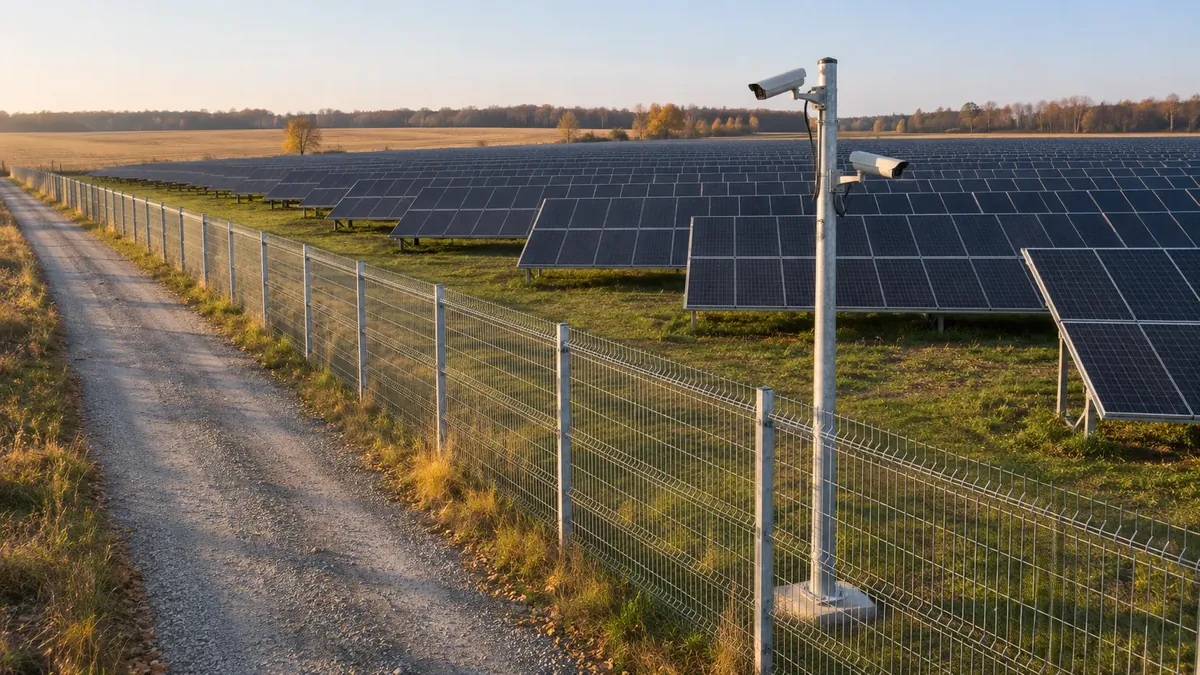
A camera position can suit general observation of the loading area, while from the same angle the dispatcher may struggle to tell which side of the fence someone is walking on. This matters especially at night or with partial obstruction. If a parked vehicle hides the area beside the gate, the analytics may still raise an alarm at the edge of the field of view, but the dispatcher only sees a brief movement. A second view may let them follow the service road, giving the patrol a more precise description of the location.
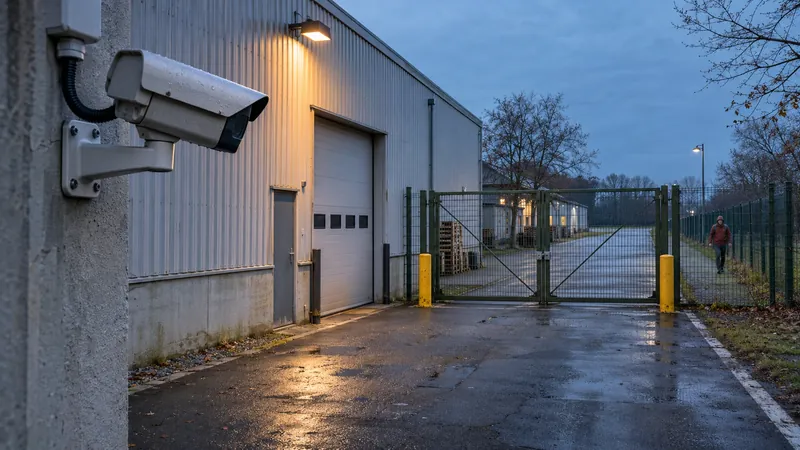
In Pearman’s experience, when a system is designed to record a scene and monitoring is bolted on afterwards, the monitoring centre often ends up asking for the cameras to be moved, because it cannot see what it is supposed to see or stop what it is supposed to stop. According to the article, the foundation of good remote guarding is written procedures for each site, camera positions chosen for intervention rather than evidence, and analytics tuned until nuisance alarms become a manageable handful. If the site’s everyday traffic keeps generating alarms, every single check takes up the dispatcher’s time. Security Info Watch – camera design and analytics tuning
How site details mentioned during the survey, such as seasonal pallets that may block a planned camera view, can be preserved until the design stage is something I covered in more detail in Good system design does not begin on the floor plan.
At acceptance testing it is therefore worth following one event all the way from the triggering movement to the operator’s decision. If, for example, a test person walks along the fence and then turns towards the gate, the acceptance test can also check whether the dispatcher recognises the route and can tell the patrol from which side to approach. The same test can give different results by day and by night, especially where lighting or vehicle positions change from shift to shift.
I suggested a similar test for radar-based perimeter protection: Radar is not a camera — and that is exactly why perimeters need it also discusses how zone design protects the dispatcher’s attention, and why people and vehicles should be tested on different routes, including slow and interrupted movement.
Losing surveillance is an event too
According to the Security Today report, besides security alarms the integration also reports technical problems that could affect monitoring: interruptions to video feeds, communication failures involving computers, and conditions that interfere with video analysis. The dispatcher can therefore learn on the same screen when surveillance of an area becomes limited. Security Today – technical status notifications
If, say, the camera at the rear service gate fails, temporary checks of the area can be taken over by another camera or by an on-site unit passing that way more often. Which option works depends on camera coverage and the site’s duty arrangements. The same status notification can therefore start two separate tasks: technical operations begin fixing the fault, while the guarding service arranges interim checks of the area. The Security Info Watch article also counts redundant connectivity and power among the foundations of remote guarding. Security Info Watch
What does a remote guarding service commit to?
Once the camera system is handed over, the provider has to handle events on every shift, keep the site instructions up to date and report back if a camera position or alarm rule causes lasting problems. That is why Paul Rothman’s article deals not only with the technical conditions but also with operator training, shift coverage and site-specific procedures. It also suggests six questions for choosing a monitoring centre, for example who tunes the analytics and who covers the chair when an operator is out. Security Info Watch – remote guarding as a continuous service
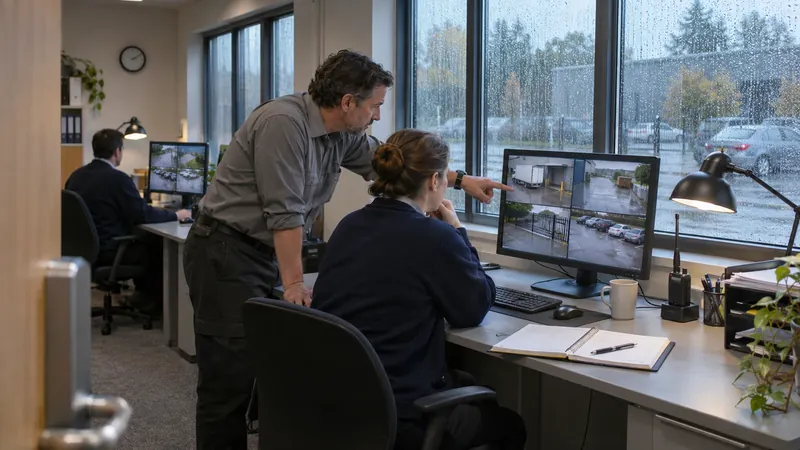
To judge how the service performs, it is useful to measure separately the time from alarm to operator check, and from check to first action. The first interval can be affected by video loading or by how many alarms are waiting to be checked. The second shows how long it takes the operator to find the necessary information and reach the right person. If only the total time is measured, it is easy to lose sight of whether the delay arose at the camera image, the assessment or the notification.
- Alarm
- Check
- Assessment
- Action
- Close & log
Measure separately: alarm → check · check → first action
The Hungarian legal and standards frame
In Hungary, remote monitoring work is subject to a specific statutory duty. Under section 14/A of Act CXXXIII of 2005 on personal and property protection and private investigation (Szvtv.), anyone who carries out remote monitoring for a fee must, when an alarm comes in, make sure that it does not result from improper operation of the system, and check whether the alarm is genuine and what caused it. Only then may they, where necessary, request police action, and they must record in the log that this duty was fulfilled, by whom, when and how. If they request police action without the check, the police may recover the related costs from them. Act CXXXIII of 2005 – National Legislation Database
In my reading, this connects directly to two points of this article. The box on the live view and the failure notifications support the two conditions of the check: what triggered the alarm, and whether a system fault lies behind it. The logging duty also gives the two measured intervals a practical basis, because a log that records the time and method of the check already holds the starting point of the response. This is my own interpretation, not an official position.
The same Act also sets limits on surveillance. A security guard may use an electronic surveillance system only on private property, and not in places where observation could violate human dignity, such as changing rooms or toilets (section 30(2)–(3)). The reason and time of viewing a recording, and the identity of the viewer, must be recorded in minutes (section 31), which is worth building into the procedure for reviewing an alarm’s recording. Szvtv., sections 30–31
At a logistics site the cameras also see employees. Under section 11/A(1) of the Labour Code, the employer may also use technical means to monitor an employee’s work-related conduct, but must inform the employee in writing in advance. Act I of 2012 on the Labour Code On retention, the EDPB’s Guidelines 3/2019 state that personal data should in most cases be erased, ideally automatically, after a few days, and that the longer the storage period, especially beyond 72 hours, the more justification is needed. EDPB Guidelines 3/2019 on video devices
Three standards documents relate to the topic. EN 50518:2019 sets minimum requirements for monitoring, receiving and processing alarm messages; it uses “alarm” in a broad sense that includes fault and status messages, and places centres handling messages from video systems in security applications that require an emergency response in the stricter category I. EN 50518:2019 The technical specification CLC/TS 50131-9:2014 gives recommendations on alarm verification methods for intrusion and hold-up alarm systems, but does not detail verification that relies solely on alarm receiving centre procedures. CLC/TS 50131-9:2014 The second edition of IEC 62676-4, published in October 2025, covers the planning, design, installation, testing and maintenance of video surveillance systems: it replaces the earlier six pixel-density levels with seven new ones (from 20 to 1,500 pixels per metre) and adds a clause on operating the system. IEC 62676-4:2025 – official preview When placing cameras for the expected response, it is therefore worth working with the values of the new edition.
What the patrol knows before it sets off
When an alarm comes in from the rear service gate of a logistics site, the box drawn on the live view shows the dispatcher whose movement triggered it. Based on the camera image and the site instructions, the dispatcher decides whether an on-site check is needed. If they send a patrol to the gate, they can tell it where the person was last seen and which way they were heading. The patrol then knows where to start the check before it even sets off.
Sources: Security Today – PureTech Adds Target Overlays to Genetec Integration (November 6, 2026) · Security Info Watch – Remote Guarding: Rewriting the Surveillance Value Proposition (November 3, 2026)
Legal and standards sources: Act CXXXIII of 2005 (Szvtv.) · Act I of 2012 (Labour Code) · EDPB Guidelines 3/2019 · EN 50518:2019 · CLC/TS 50131-9:2014 · IEC 62676-4:2025 – official preview
Last reviewed:
Questions, or an idea to talk through?
Whether it is a security system, the IT network behind it or just a thought on this article, I am happy to hear from you.
Get in touch